What is a Docker container? A visual explainer for website owners

7 min read
An interactive, narrated explainer: what a Docker container actually is, how it differs from classic hosting and virtual machines, and when it is the right choice for a website.
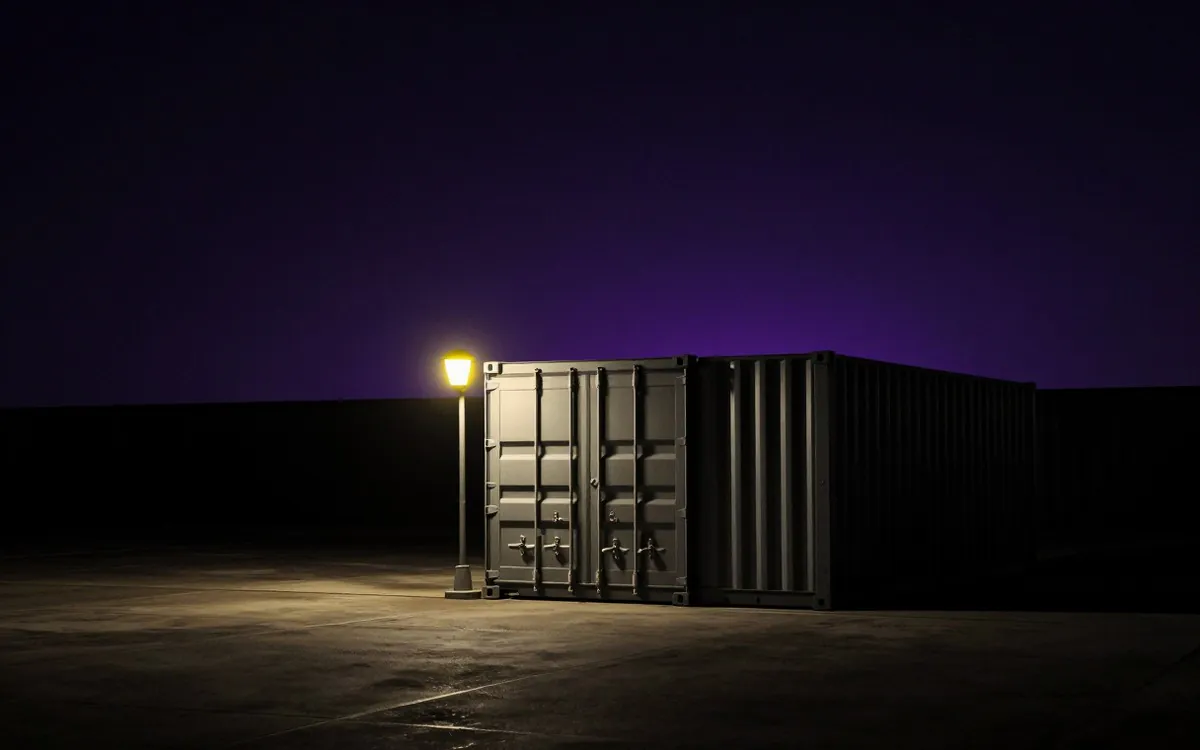
A Docker container is a sealed box that holds a website or app together with everything it needs to run: the code, the language version, the libraries, the configuration. Because the box carries its own dependencies, any server running Docker can run it the same way, every time.
That one idea is what makes containers worth understanding, even if you never touch a server yourself. It changes how quickly your site can move, how well it survives a bad neighbour, and how fast it comes back when something breaks.
The explainer below walks through it in nine short scenes, narrated. Press play, or click through at your own pace.
Prefer more room? Open the explainer full screen. Narrated by NyXi.
What is actually inside the box
A website is never just code. It depends on a stack of things being present and correct on the server: a specific PHP or Node version, image libraries, cron jobs, environment variables, web server config. Change any one of them and the site can break in ways that are miserable to diagnose.
A container packs all of that into a single unit, built from a recipe called an image. The image is the source of truth. Start a container from that image on a laptop, on our servers, or on someone else’s, and you get an identical environment.
Two terms worth separating, because they get used interchangeably and they are not the same thing:
- Image: the recipe. A read-only template that describes exactly what goes in the box.
- Container: a running instance of that image. Disposable. You can destroy it and start another in seconds.
The three ways a website can be hosted
Almost all hosting falls into one of three shapes. None of them is universally best.
| Classic control panel hosting | Virtual machines | Containers | |
|---|---|---|---|
| Isolation | Shared environment | Strong, full separation | Strong, process level |
| Overhead | Very low | High, a whole OS per site | Low, one shared OS kernel |
| Start time | Instant | Minutes | Seconds |
| Custom stack | Whatever the host provides | Anything | Anything |
| Typical fit | Standard WordPress and brochure sites | Heavy, long lived workloads | Sites needing their own stack or hard isolation |
Classic hosting such as cPanel or CyberPanel puts many sites in one shared environment. It is simple and cheap, and it works fine for a great many websites. The weakness is that everyone shares the same PHP version and the same libraries, so one messy install or one badly behaved site can affect its neighbours.
Virtual machines fix the isolation problem by giving each site its own complete operating system. That works, but every VM drags an entire OS along with it, which is slow to boot and wasteful of memory.
Containers sit in between, and that is the point. Each site gets its own sealed box, but they all share one operating system kernel. You get most of the isolation of a VM at a fraction of the weight.
Why “it works on my machine” stops being a problem
The oldest complaint in software is that something ran perfectly for the developer and fell over on the server. Almost always the cause is environment drift: the two machines were not quite the same.
Containers remove the drift. The box that was tested is the box that ships. There is no separate step where someone tries to recreate the right conditions on the live server and misses one.
What this changes for your website
Portability. Because the box carries everything it needs, servers become interchangeable. Moving your site to a faster machine, or to a different country, becomes a matter of pulling the image down and starting it, rather than rebuilding a server and hoping nothing was missed. Migrations that used to be nervous all day affairs become minutes.
Isolation and security. If a site is compromised through, say, an outdated plugin, the damage is bounded by the walls of its container. In a shared environment an attacker who gets a foothold may be able to reach the files of every other site on the box. In a container the breach stays in its box, and the cleanup is contained too: destroy the container and redeploy a clean image.
No noisy neighbours. Every container can be given a CPU and memory budget. Without limits, one runaway site can starve everything else on the server, which is the usual explanation when a site inexplicably slows to a crawl at the same time every day. With limits, the greedy site slows down on its own and the neighbours never notice.
Fast recovery. Containers are disposable by design, and the image is what matters. If one crashes, Docker can relaunch it automatically, identical, in seconds. Rolling back a bad deploy is a matter of starting the previous image again.
One important caveat: because containers are disposable, anything that must survive a restart (databases, uploaded files) is deliberately kept outside the container in what is called a volume. Data is not stored in the box.
When containers are the right choice, and when they are not
Containers are not automatically better. They are the right tool when:
- A site needs its own PHP or Node version, or a custom stack the host does not offer.
- A site warrants hard isolation from its neighbours, for security or compliance reasons.
- The site may need to move between servers, or scale across more than one.
- Uptime matters enough to want automatic restarts and instant rollback.
They are usually unnecessary when a site is a standard WordPress or brochure site with no special requirements. Those stay perfectly happy on a good control panel host, and adding containers only adds moving parts. Pure front end sites, with no server side code at all, are often better still on static edge hosting, where the files are served from a network of locations close to the visitor.
The honest summary: containers buy you isolation, portability and fast recovery, and you pay for them in complexity. Whether that trade is worth making depends entirely on the site.
Full narration transcript
For accessibility, and for anyone who would rather read than listen.
1. The big idea A website is never just code. It depends on many pieces being installed just right. A Docker container packs the app and everything it needs into one sealed box, built from a recipe called an image. Any server running Docker can run that box. Exactly the same way, every time.
2. Where apps run On classic hosting, every site shares one environment. One messy install can affect them all. Virtual machines isolate well, but each one drags along a whole operating system. Docker containers give each site its own sealed box, while sharing one operating system. Light, and fast.
3. Consistency The image is the single source of truth. Laptop, or any web server. The exact same box runs everywhere. No more works on my machine.
4. Portability Because the box carries everything it needs, servers become interchangeable. Moving a site is moving a box. Live on the new server in minutes.
5. Isolation and security The classic hosting incident. One site’s outdated plugin gets exploited. In a shared environment, the breach spreads to every site. In Docker, it stays sealed in its box. Cleanup is contained too. Destroy the box, and redeploy a clean image.
6. Resource limits Every container gets a CPU and memory budget. Without limits, one runaway site starves everyone on the server. With limits, it slows down alone. The neighbours never notice.
7. Fast recovery Containers are disposable. The image is what matters. Docker relaunches a crashed box automatically. Identical, and in seconds.
8. Choosing hosting Control panels, static edge hosting, and Docker containers each fit different sites. The right choice depends on what the site needs.
9. Recap Five things to remember about Docker containers.
Where this fits at Nitro Sites
We run containers where they earn their place, and plain control panel hosting where they do not. If you are not sure which shape your site should be on, talk to us and we will tell you honestly, including when the answer is that your current setup is fine.
Frequently asked questions
What is a Docker container in simple terms?
A Docker container is a sealed box that holds an application together with everything it needs to run: the code, the language version, the libraries and the configuration. Because it carries its own dependencies, any server running Docker can run it the same way every time.
What is the difference between a Docker image and a container?
An image is the recipe: a read-only template describing exactly what goes in the box. A container is a running instance of that image. Images are what you store and move around; containers are disposable and can be destroyed and recreated in seconds.
What is the difference between Docker and a virtual machine?
A virtual machine gives each workload its own complete operating system, which isolates well but is heavy and slow to start. Containers share one operating system kernel while keeping each application in its own sealed space, so they start in seconds and use far less memory for similar isolation.
Does my website need Docker?
Not necessarily. A standard WordPress or brochure site with no special requirements runs perfectly well on good control panel hosting. Containers are worth it when a site needs its own PHP or Node version, hard isolation from neighbouring sites, the ability to move between servers, or automatic restart and instant rollback.
Is Docker hosting more secure than shared hosting?
It contains damage better. On shared hosting, an attacker who compromises one site through something like an outdated plugin may be able to reach files belonging to other sites on the same server. In a container the breach is bounded by the container, and cleanup means destroying it and redeploying a clean image.
What happens to my data if a container is destroyed?
Nothing, when it is set up correctly. Containers are deliberately disposable, so anything that must survive a restart, such as databases and uploaded files, is stored outside the container in what is called a volume.